

Introduction
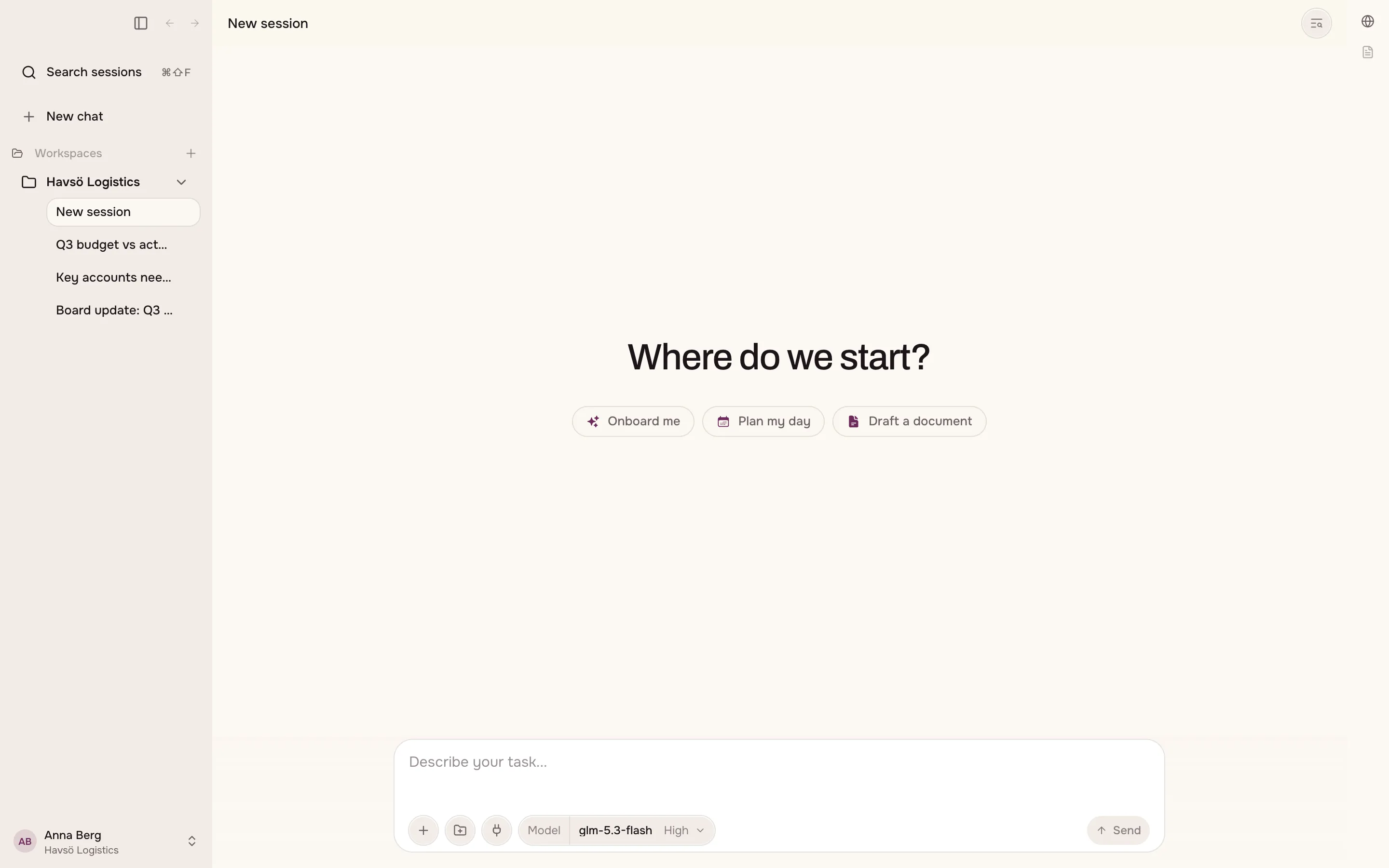
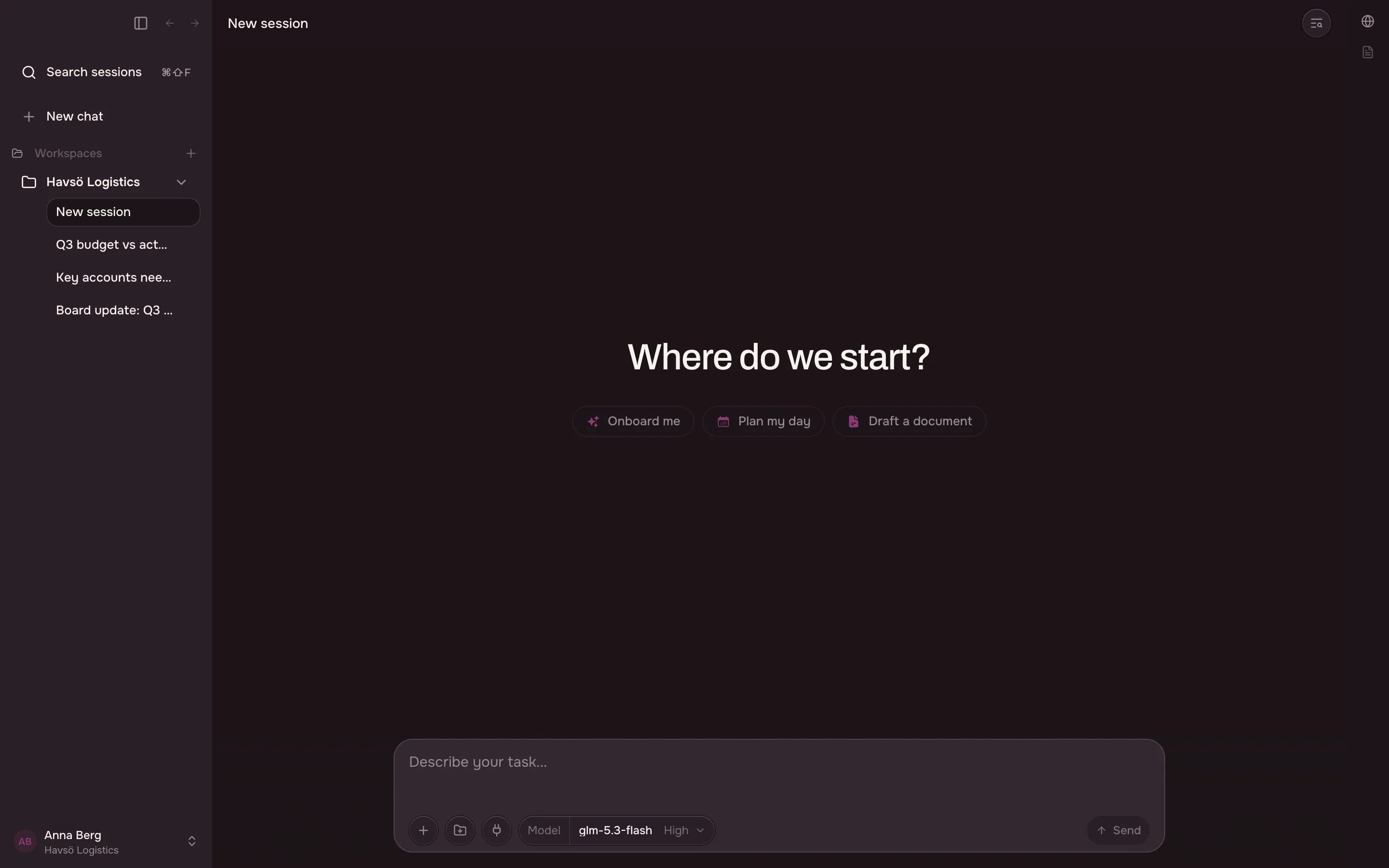
Grunden Cowork is an app you install on your own computer. It works inside one folder that you choose.
What the app can do
Section titled “What the app can do”In the folder you choose, the app can:
- read the files you put there
- create and edit files for you
- work with spreadsheets, documents and images
It cannot see the rest of your computer.
The models that answer you run on Grunden’s own Nordic infrastructure. The models page lists which models run today and what they cost.
Where to start
Section titled “Where to start”- Install the app. Download it, then sign in.
- Choose your folder. This folder becomes your workspace.
- Ask for something. You will also learn when to interrupt the app and when to wait.
Do more with it
Section titled “Do more with it”- Artifacts — the files the app creates, and what publishing one does.
- Skills — teach the app a task once, then reuse it.
- Connectors and plugins — reach the systems you already use.
- Built-in browser — let the app do tasks on the web.
- Terminal — run commands where your files are.
Set it up your way
Section titled “Set it up your way”- Models and reasoning — which model answers you, and how long it thinks first.
- Standing instructions — rules you write once that apply everywhere.
- Settings reference — what each settings page covers.
- Account — your organisation and your usage.
- Your organisation — what an administrator controls.